









The Ultimate Guide to WordPress Maintenance Services
The Invisible Engine Under the Hood
Sixty minutes. That was all it took for a flashing red 503 Service Unavailable error to bleed $14,200 from a client’s Black Friday revenue. This catastrophe lays bare the raw necessity of professional WordPress maintenance services for modern commerce. No shadowy hacker ring orchestrated this takedown. An old, forgotten caching add-on simply choked on a minor WordPress core patch released the night before. Three agonizing hours dragged by as our emergency rescue crew wrestled a database restoration from a remote server. Guarding a digital storefront requires spotting the stress fractures long before the glass shatters. We detail the exact habits, tools, and safety nets required to lock down your digital real estate below. Plunging into the gritty reality of site upkeep reveals the hard truth of digital ownership. You will soon recognize the exact moment stepping away and handing the keys to a specialized crew makes pure financial sense.
The Anatomy of a Vulnerable Site
Eighteen months of total neglect. We unearthed this nightmare during a recent enterprise e-commerce audit. Four gigabytes of bloated, orphaned post revisions choked the database down to a sluggish crawl. The active theme alone harbored three documented cross-site scripting vulnerabilities. Leaving a storefront in this condition is akin to leaving a bank vault wide open on a crowded sidewalk. Intruders breach over 30,000 websites every single day. Stale plugins cause more than fifty percent of those specific break-ins. Routine care slams those doors completely shut. A rigid update schedule ensures custom code plays nicely together. Holes get patched. Data moves fast. Turning a blind eye to this reality guarantees severe downtime. Search algorithms punish the neglect ruthlessly, and buyer trust evaporates without a trace.
Implementing the Ironclad Backup Protocol
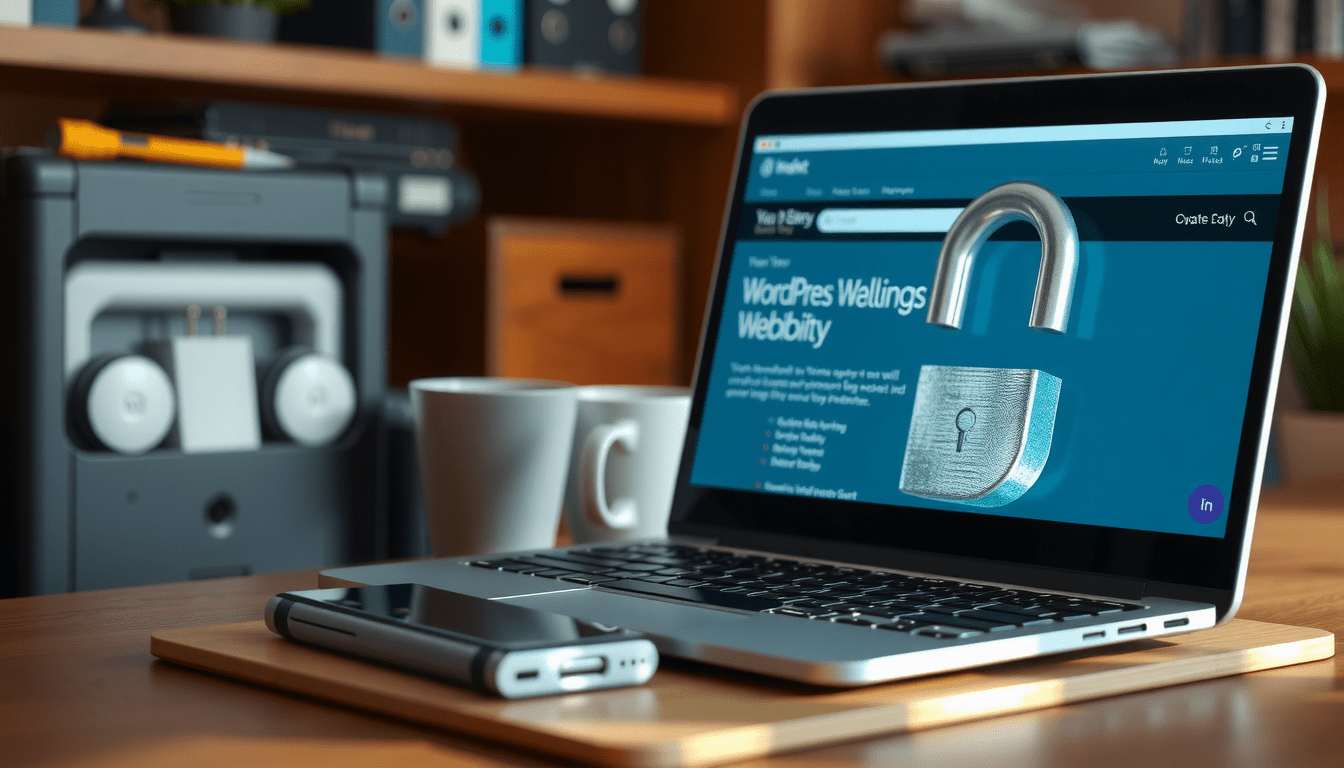
Relying entirely on your web host for backups is a fatal error. A massive server blackout at a major hosting firm last year proved this harsh lesson. Thousands of site owners woke up to find their automated server archives completely corrupted. The strict 3-2-1 backup rule cures this specific nightmare. You keep three total copies of your website. You store them on two separate physical drives. At least one of those copies lives somewhere entirely off-site. Our own systems push daily database dumps and weekly full-site archives straight to Amazon S3 or Google Cloud Storage. Putting UpdraftPlus Premium or WP Time Capsule to work handles this heavy lifting in the background. We cap retention limits at thirty days to stop cloud storage bills from swelling out of control. Dragging a hijacked site back to life from a remote bucket takes less than fifteen minutes with this safety net ready.
Hardening the Perimeter Against Brute Force Attacks
Automated botnets relentlessly scour the web for default WordPress login pages and lazy administrator passwords. Leaving the standard wp-admin path exposed invites thousands of malicious login attempts every hour. Locking down this front door requires harsh, immediate limits. First, disguise the administrative login URL using a lightweight tool like WPS Hide Login. Next, force two-factor authentication through Google Authenticator for anyone wielding administrative or editing power. We install Wordfence Premium on every client site to build a tight endpoint wall. This barrier instantly blocks any IP address that bungles three login attempts within a five-minute window. We also activate file integrity monitoring. Our security team receives a loud alert the exact second an intruder alters a core WordPress file. These rigid layers drive brute force success rates down to absolute zero.
Database Optimization for Maximum Speed
A cluttered database ruins your time to first byte. Impatient shoppers bounce long before the main promotional banner flashes on their screen. Every saved draft, deleted spam comment, and uninstalled add-on leaves digital garbage behind. We constantly unearth sites dragging around thousands of dead options and orphaned metadata rows inside the wp_options table. The server strains to read this junk data on every single page load. Scrubbing this mess delivers massive, noticeable speed boosts. Running a deep sweep with WP-Optimize or Advanced Database Cleaner strips this hidden weight away permanently. We recently documented a case where deleting 12,000 spam comments and tuning database tables slashed page load times by 42 percent. Quicker loads directly lift Google Core Web Vitals scores. They keep shoppers glued to the screen, driving sales numbers higher.
Media Compression and Delivery Optimization
Huge, raw media files choke server response times even further. We regularly open media libraries stuffed with 6-megabyte photos pulled straight from digital cameras. Shrinking these massive files is mandatory for any serious shop. We activate ShortPixel or Smush Pro to instantly convert every single uploaded JPEG and PNG into modern WebP formats. This background task shrinks total page sizes by up to 70 percent without ruining the picture quality. Marrying a clean database with highly compressed images creates a blindingly fast browsing experience. Search algorithms reward that raw speed heavily.
The Tipping Point for Hiring WordPress Maintenance Services
Chasing endless updates, watching server uptime, and combing through security logs quickly morphs into a grueling full-time grind. A growing shop eventually hits a brick wall. Internal talent needs to build things that generate revenue instead of fighting messy plugin clashes. That marks the exact moment smart operators hand the reins to professional WordPress maintenance services. A specialized crew watches the digital pulse twenty-four hours a day using monitoring utilities like Uptime Robot. These experts safely test all core and plugin patches inside a sealed staging area before they ever touch the live server. If a layout breaks during the patch process, the staging setup catches the mess instantly. Handing off these technical chores kills the daily panic of site crashes. The platform runs at full tilt without burning out your expensive internal developers.

Securing Your Digital Future
Owning digital property demands constant watchfulness and strict, unbreakable habits. The main lessons from our daily trenches remain stark. First, enforce the 3-2-1 backup rule using off-site cloud storage to guarantee your data survives the worst disasters. Second, lock down the login doors with an endpoint firewall and two-factor authentication to kill botnet swarms on contact. Third, stick to a harsh, staging-tested update routine for all core files, themes, and plugins to dodge massive site breakages. Finally, know exactly when the technical mess outgrows your internal team. Handing the burden to dedicated maintenance experts solves the capacity problem. Locking down your platform today ensures your business stays profitable, easy to find, and fully alive tomorrow.
